Your patients see their new smile before they book.
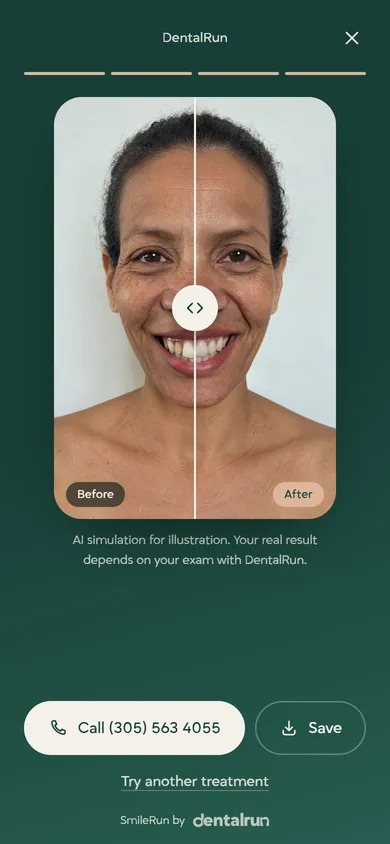
A patient takes one selfie on your website, and about 15 seconds later sees their smile with veneers, implants, whitening or Invisalign. To see it, they leave their name and number for your front desk.
The real SmileRun, playing on a fictional patient.
Four steps, all on your website.
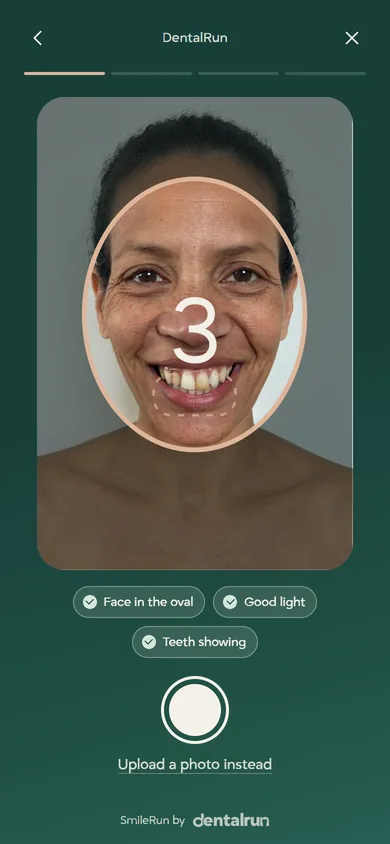
A selfie with a guideAn oval and three live checks make sure the face is centered, the light is good and the teeth show before anything is sent.
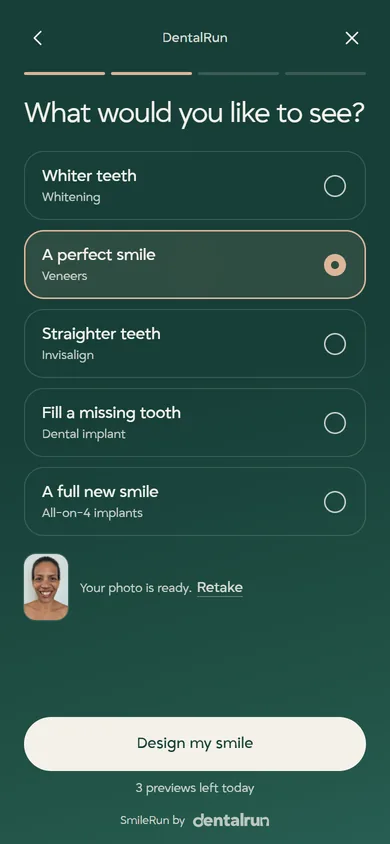
They pick the treatmentWhiter teeth, veneers, Invisalign, a dental implant or All-on-4. Each treatment page opens SmileRun with that treatment already picked.
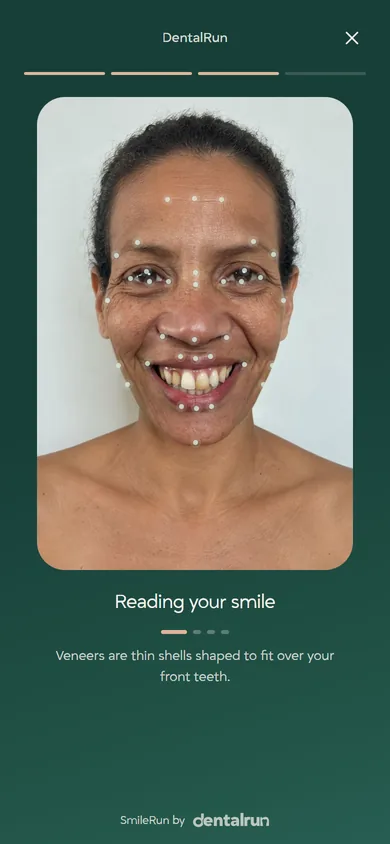
Their new smile, in about 15 secondsWhile SmileRun works, they watch their own face being scanned. Their face stays the same and only the teeth change.
Your front desk calls themTo see the result they leave a first name and a phone number. You get the lead, with the treatment they chose.
It looks like part of your website.
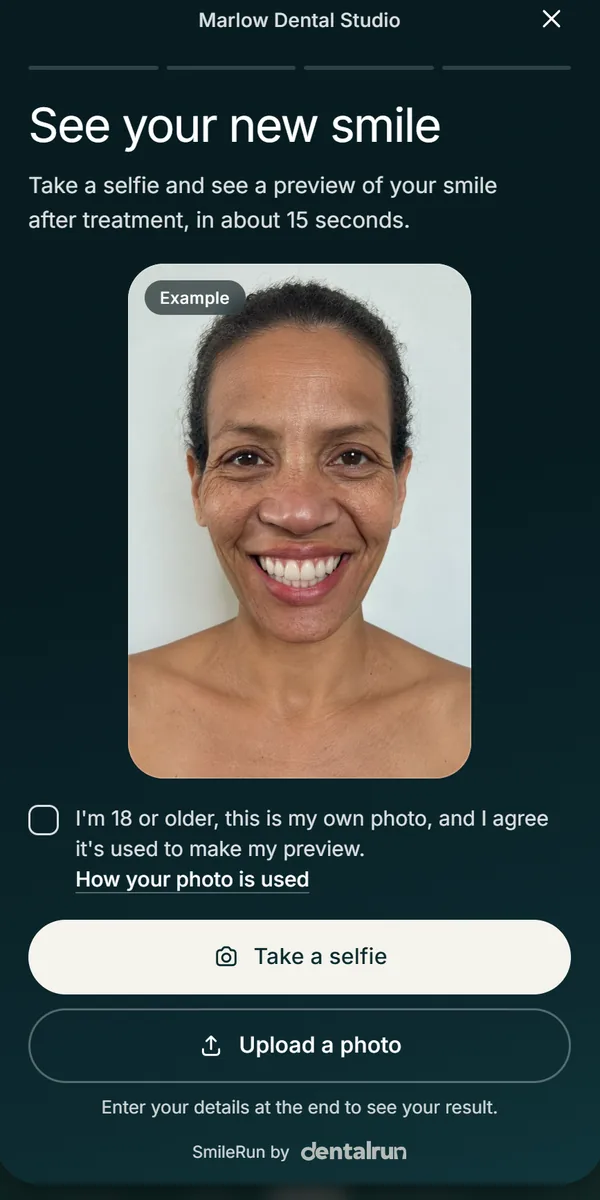
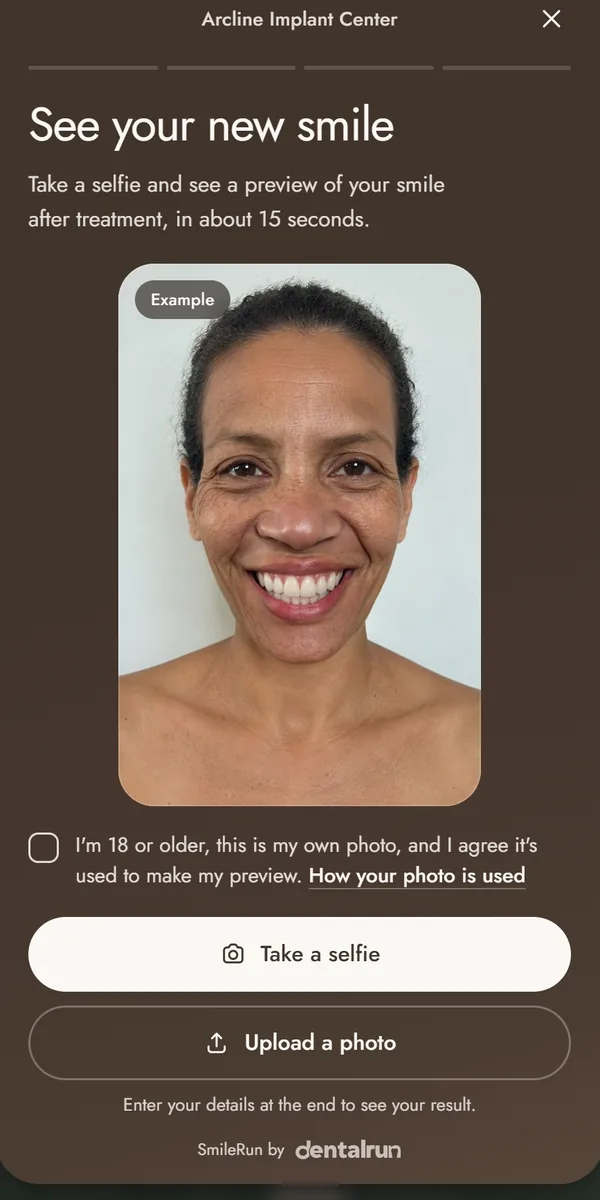
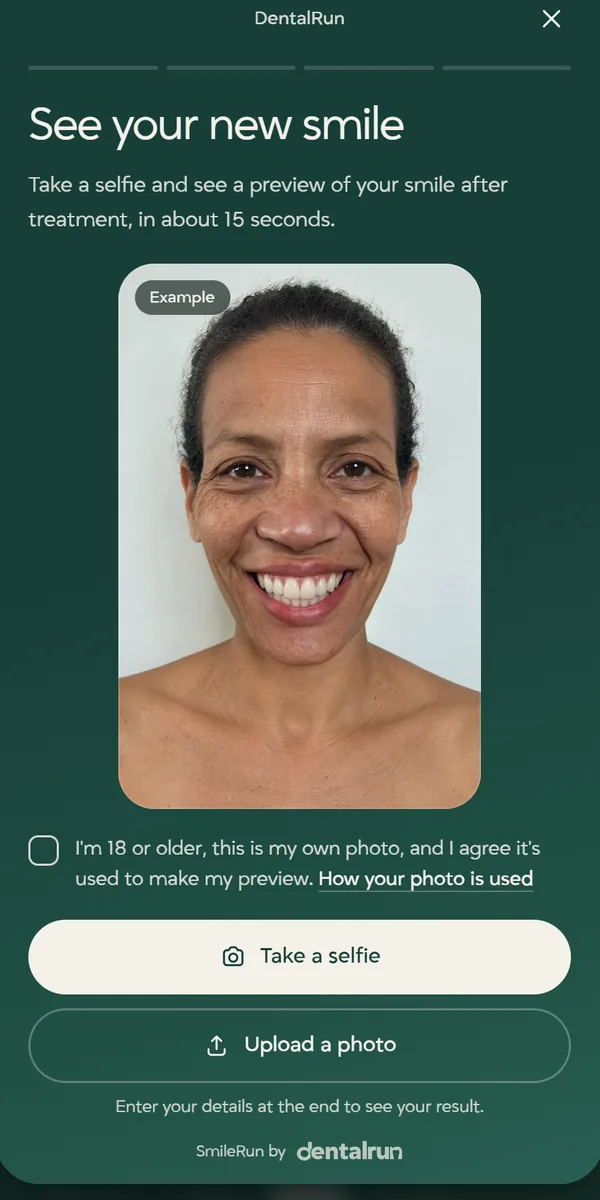
SmileRun takes your practice's colors and font, with a small SmileRun by DentalRun line. Here it is in our colors and in two of our sample practices.
DentalRun
Marlow Dental Studio, a sample practice
Arcline Implant Center, a sample practice
Every preview is a lead.
To see their result, the patient leaves a first name and a phone number, and both go to your front desk with the treatment they chose.
No AI bills to watchWe run the AI and pay for it, with daily and monthly limits built in.
The photo stays privateThe AI gets just the area around the mouth, used to make the preview. The rest of the photo stays on the patient's phone, and neither your practice nor DentalRun stores it. Full details are in our privacy policy.
On your homepage, treatment pages and adsA section on your homepage, a button on each treatment page, and its own page for your ads, Instagram and a QR code at the front desk.
What SmileRun is, and what it is not.
SmileRun shows an AI simulation of a possible result, and every screen says so. It does not diagnose anything and it does not replace an exam. You decide what is possible for each patient.